Jockie Music Bot: Features, Dashboard & Best Alternatives (2026)
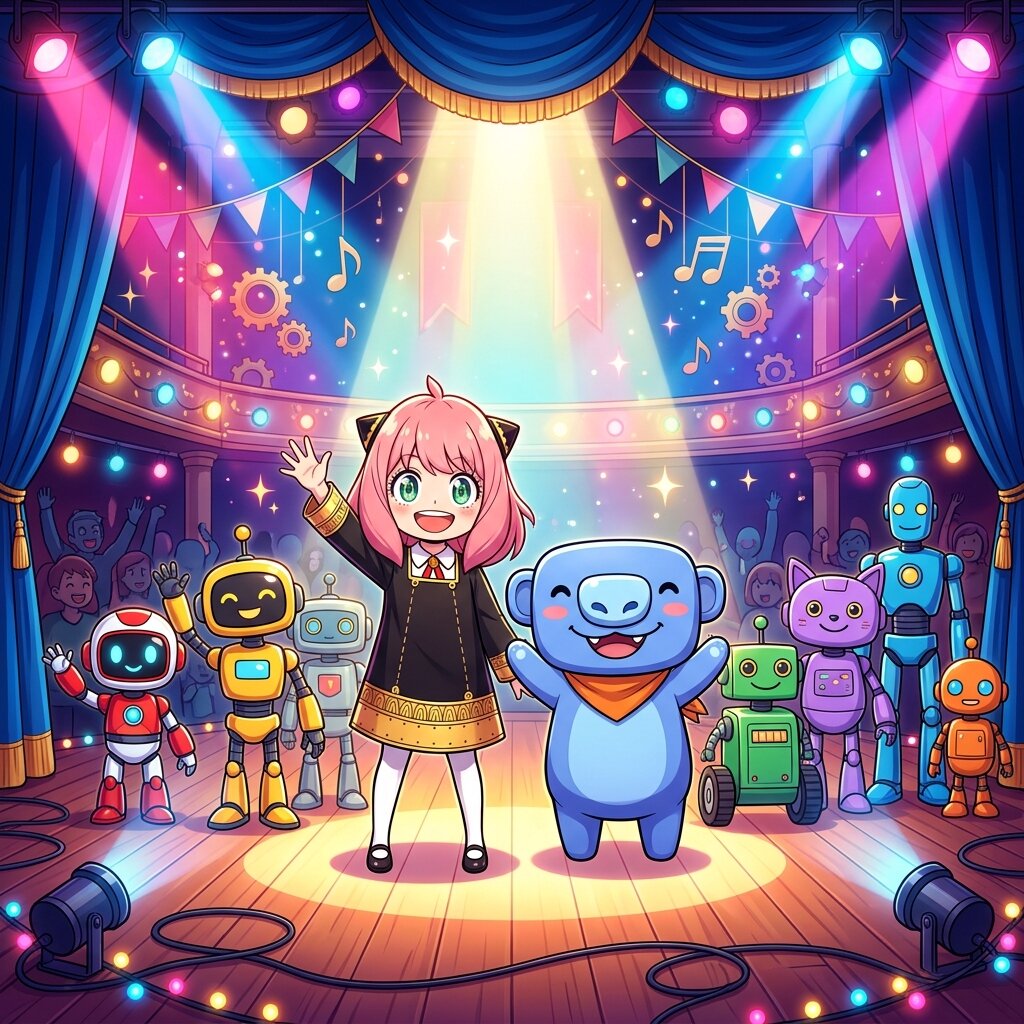
Jockie Music Bot is legendary for allowing multiple bot instances (Jockie 1, 2, 3, 4) in the same Discord server. However, its reliance on text commands, absence of an interactive web dashboard, and limited audio controls have led many server owners to look for modern alternatives like Anya.
Choosing the right music bot for your Discord server in 2026 is critical. Whether you're running a multi-channel gaming guild, a study community, or a casual hangout, you need reliable playback, 24/7 uptime, and an intuitive way for members to queue tracks.
1. Jockie Music Bot: Key Features & Multi-Bot System
The Jockie Music Discord Bot remains one of the most recognizable names in the Discord audio ecosystem. Its standout claim to fame is its multi-instance architecture.
How Jockie Music Multi-Bot Works
Unlike single-bot applications, Jockie provides up to four separate color-coded bot accounts (Jockie Music, Jockie Music (1), Jockie Music (2), Jockie Music (3)). This allows multiple voice channels on a single Discord server to stream independent audio queues at the exact same time.
2. Jockie Music Web Dashboard & YouTube Support
Two of the most frequently asked questions about Jockie Music are regarding its web dashboard and YouTube audio playback:
Does Jockie Music Have a Web Dashboard?
Unlike newer generation music bots, Jockie Music does not offer a real-time web playback controller. Everything is controlled strictly via text prefixes (such as m!play or m_play) or slash commands. This can make queue management, volume sliding, and seeking tracks difficult on mobile devices or during busy chat sessions.
YouTube & Audio Source Playback in 2026
Due to ongoing platform API changes, Discord music bots have adapted by integrating Spotify, SoundCloud, Bandcamp, and direct audio streams. Modern bots like Anya use high-performance audio decoders to deliver high-quality audio playback, depending on the source.
3. 2026 Discord Music Bot Comparison Matrix
Here is a side-by-side comparison of the top active Discord music bots—Jockie Music, Anya, FredBoat, and Hydra:
| Bot Name | Audio Quality | Control Interface | 24/7 Autojoin | Best Fit For |
|---|---|---|---|---|
| Jockie Music | Up to 320kbps | Text / Slash Commands | Premium Tier | Multi-room voice channels |
| Anya | High-Quality (up to 320kbps) | Interactive Web Dashboard | Included (Free / Persistent) | Modern servers wanting cute UI & dashboard |
| FredBoat | Standard (128kbps) | Text Commands Only | No | Basic casual playback |
| Hydra | High-Quality | Chat Channel Embed | Premium Tier | Channel-message button controls |
4. Why Anya is the #1 Alternative to Jockie Music
If you love high-quality music on Discord but want a cleaner, more interactive experience than traditional text commands, Anya (The Best Discord Music Bot) was built specifically to bridge that gap:
- ✨ Live Web Dashboard Controller: Manage your server's queue, search tracks, skip, pause, and adjust volume in real-time from any web browser without spamming Discord text channels.
- 🔊 High-Quality Audio: High-quality audio playback, depending on the source, powered by optimized Lavalink routing nodes.
- ⚡ 24/7 Voice Channel Mode: Keep Anya in your voice channel around the clock so music is ready the moment members join.
- 🎵 Seamless Spotify & Playlist Import: Paste Spotify playlists, albums, and tracks directly into chat or the dashboard for instant queuing.
Ready to Upgrade Your Server's Music Experience?
Join thousands of Discord communities enjoying 24/7 high-fidelity music with the Anya web dashboard.
5. Summary Selection Guide
- Choose Jockie Music if you strictly require 4+ separate bots playing simultaneously in different channels without web dashboard needs.
- Choose Anya if you want modern visual controls, an interactive web player, free 24/7 uptime, and reliable high-bitrate streaming.
- Choose FredBoat if you just need a lightweight, no-frills command bot.
- Choose Hydra if you prefer pinned chat embed controllers.
Discussion (1)
Join the Discussion
Log in with your Discord account to share comments, feedback, and ask questions.
Login with Discord
You also can share your review