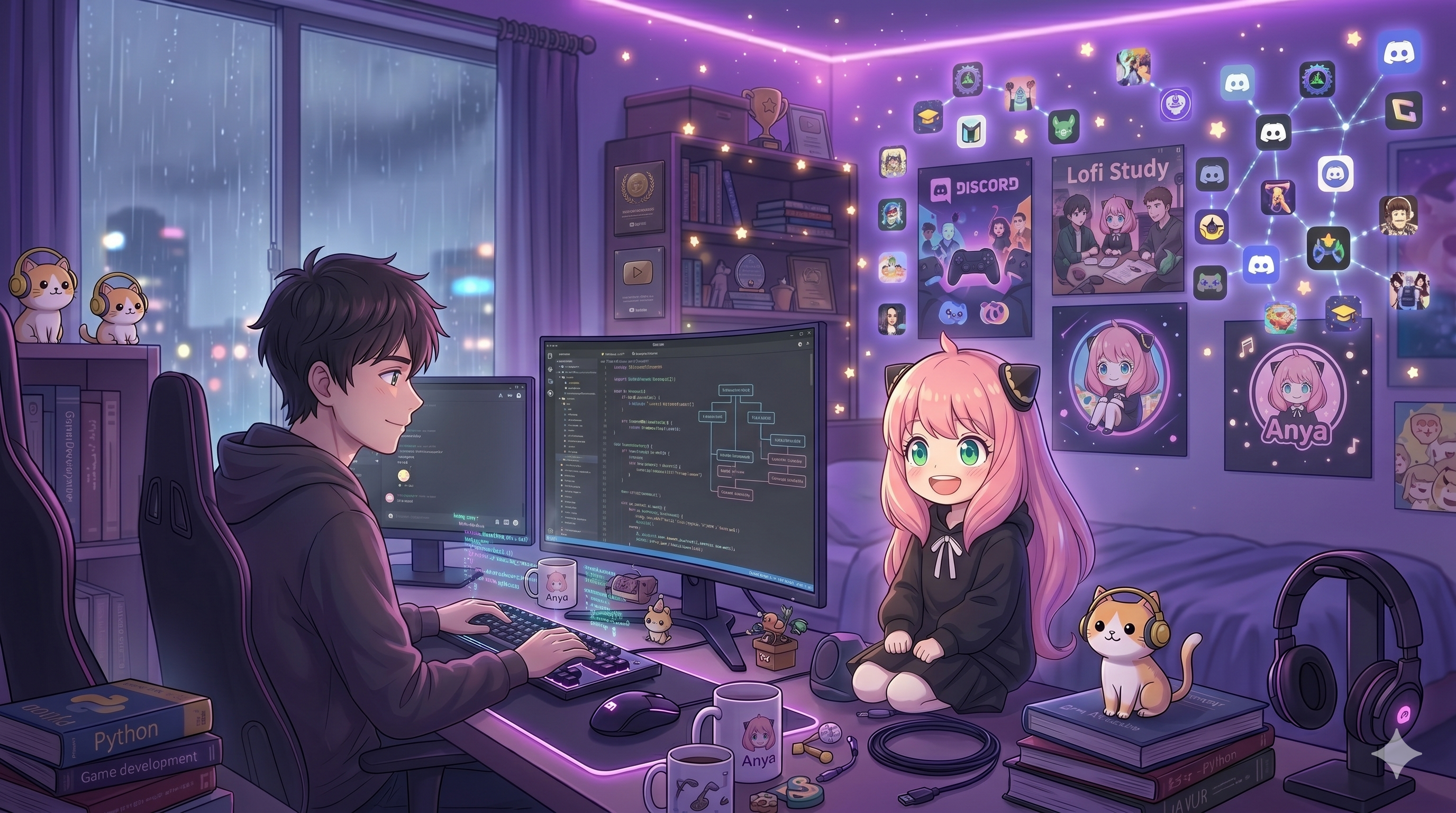
Anya最初是两个密友之间的私人项目,以便他们可以在语音频道中一起听歌而不受干扰。
阅读完整日志探索Anya如何走向公开,我们首批75台服务器背后的故事,Discord的官方验证,以及维持梦想的微型团队。
阅读完整日志
体验高保真节点串流,结合极速响应的服务器引导规则。内置在中央控制台的精美系统日志记录参数。
高容量公共网络确保音频安全处理。播放列表每隔 3 秒自动平滑切换。
探索专为您的社区需求配置的强大架构功能。
在控制面板云同步中直接创建、保存和管理您的个性化音乐播放队列。
您的数据库曲目将实时跟随您前往不同的公共服务器集群,绝不丢失参数或位置。
智能音频缓冲算法可绕过区域服务器掉线,保障顺畅的音频输出环路。
动态部署智能数据包重建封装,在语音频道出现网络波动时防范卡顿和杂音。
直接解析共享的网页链接、专辑、单曲或歌手合辑页面,完全没有文本格式冲突。
在不足 240 毫秒的时间内,无缝将动态安全令牌转化为高保真检索指标。
支持从 SoundCloud、Bandcamp、原始附件和多种数字化引擎中原生轻松串流播放。
强大的解码库跨云平台读取原始结构,即时提供顺滑的音频负载流。
智能缓存加速命令响应和音乐播放,实现近乎零加载时间。
Anya 预加载常用数据,将延迟降低多达 60%,实现毫秒级响应。
直接通过控制面板开关调整各项参数、自定义播放器按键布局及嵌入颜色模板。
轻松切换界面主题图层、模块化控件及权限配置矩阵,流滑适配服务器风格。
A clean, simple breakdown of how Anya delivers high-quality music to your Discord server.
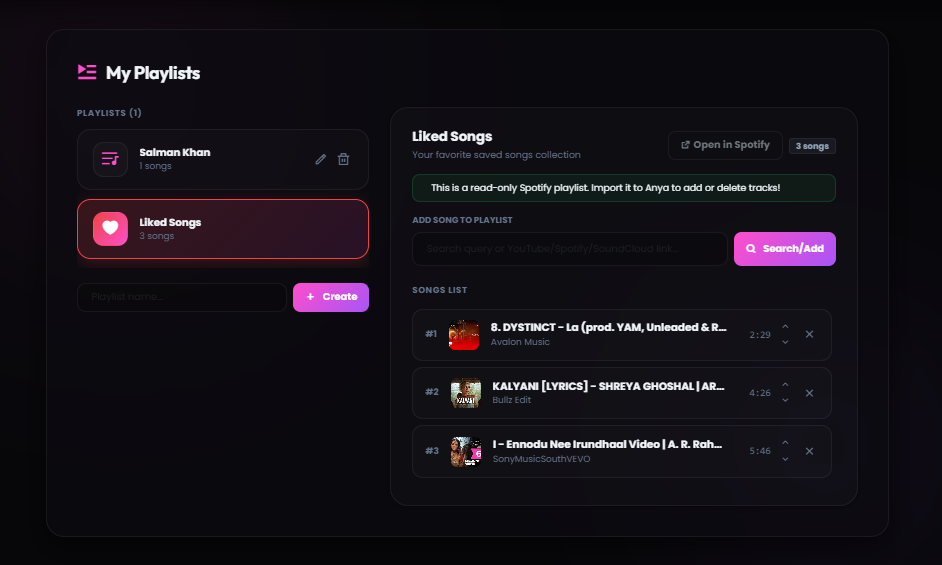
Save your favorite songs in custom playlists so you can play them anytime.
What it is: A simple way to save your music queues to your account. Instead of losing your song list when the bot leaves the channel, you can load your saved playlists instantly.
How to use: You can create and edit playlists directly through our web dashboard or by using Discord commands. Free users can save up to 100 songs in their playlist.
Anya automatically prevents stuttering and lag, even if Discord's servers are slow.
What it is: Our playback system keeps a small buffer of the song loaded ahead of time. If your Discord server connection drops momentarily, the music keeps playing without any gaps.
How to use: This is fully automatic. You do not need to configure anything. The bot monitors connection quality in real-time to keep your audio clear.
Simply paste Spotify track, album, or playlist links, and Anya will play them instantly.
What it is: Anya reads the song names from your Spotify links and matches them with high-quality audio streams. This happens in less than a second.
How to use: Copy a Spotify URL and use the /play command in Discord. Playlists with up to 100 tracks will load smoothly and play in order.
Stream music from SoundCloud, Bandcamp, or by uploading audio files directly to Discord.
What it is: Anya supports playing music from platforms other than YouTube. You can even upload an mp3 or wav file directly in Discord, and the bot will play it.
How to use: Paste any SoundCloud link or drag-and-drop an audio file into the Discord chat when using the play command.
Anya remembers popular songs to load and start playing them almost instantly.
What it is: To avoid searching for the same popular tracks repeatedly, Anya stores secure links to frequently played songs. This reduces loading times by more than half.
How to use: The next time you request a trending song, it will start playing in less than half a second.
Customize how the bot works in your server using a clean dashboard.
What it is: A web-based control panel where you can toggle bot features, change embed colors, and configure who is allowed to control the music.
How to use: Log in with your Discord account, select your server, and customize settings using simple buttons and sliders.
不到 60 秒,从零开始畅享音乐。
点击添加按钮,选择您的服务器,并授予所需的权限。
在控制面板中设置欢迎消息、音乐频道和 XP 经验值奖励。
轻松坐享其成,Anya 将接管音乐、管理和社群活跃度。
来自生产环境里优秀工会创始人的真实结构性反馈。

“Anya 的高级音频节点从不掉音。自动歌单设置彻底改变了我们成员加入的流程。”

“控制面板布局非常快捷友好。设置 Spotify 集成仅需几秒钟。”

“智能缓存引擎非常出色。命令瞬间执行,音乐眨眼间就开始播放。”
随时掌握关键开发补丁说明和音乐基础设施的升级动态。


Anya 为您的服务器带来的 100 多个命令中的一小部分。
无缝播放您喜爱的所有音源,享受高保真体验。无需任何配置。
Anya 运行专用高容量服务器节点,确保接近零的播放卡顿,支持自定义自动欢迎参数和实时音频保护配置。
该系统提供预设的播放速度调节、nightcore 加速矩阵、深沉的重低音增强以及身临其境的混响参数。
Click the 'Add to Discord' button at the top of this page. You need the 'Manage Server' permission on the server you want to invite the bot to.
Yes, Anya offers a free tier with essential features like music playback and basic queue management. Premium unlocks advanced audio filters, custom playlists, no-prefix mode, and 400% volume boost starting at just $3/month.
Anya supports streaming from Spotify, YouTube, SoundCloud, Bandcamp, and direct audio URLs. Simply paste a link or search by song name and the bot handles the rest.
Absolutely! Anya supports shared listening — anyone in your server can request songs, view the queue, and control playback. Premium users can also set custom DJ roles for finer access control.
Yes, we only store essential settings like your user ID, saved playlists, and server preferences. No personal information or voice activity is ever recorded or shared.
If you experience any issues, join our official Discord Support Server using the link at the bottom of the page. Our support staff is available 24/7 to help you troubleshoot.
You can set a custom prefix directly on the web dashboard panel under 'Server Settings', or use the `/config prefix` command in your server.
Yes! Anya supports YouTube links, SoundCloud, Bandcamp, and raw attachment files. Apple Music links are also resolved similarly to Spotify.
You can apply filters using slash commands like `/filter bassboost` or `/filter nightcore`. You can also click the filters dropdown menu directly on the Now Playing embed card.
There are no hardware requirements on your end. Our Custom Bot tier is fully hosted on our high-capacity server nodes and configured via panel.anyabot.pro.
Navigate to the web dashboard panel, select your server, and set a specific role as the DJ role. Only users with this role will be able to skip or modify music settings.
We support major credit/debit cards, UPI, and local wallets processed securely through Razorpay.
Yes, you can manage and reassign your active Premium slots to any server you own via the 'Profile' section on the web dashboard.
By default, the bot leaves the channel when the queue ends to save resources. If you want it to stay permanently, enable 24/7 mode using `/247`.
Use the `/volume` command, or select your server on the dashboard and set the 'Default Playback Volume' slider to your preferred level.
When autoplay is active, Anya automatically queries Last.fm to find and play similar songs when your queue runs empty, keeping the music playing continuously.
Free users can queue up to 100 songs at a time. Premium users enjoy an unlimited queue size for long listening sessions.
Type the `/lyrics` command in your Discord channel, and Anya will search and return the full lyrics of the currently playing track.
Yes, Anya is fully optimized for Discord's slash commands system. Type `/` in your chat box to view the full list of available music and utility commands.
Check if the bot's region matches your voice channel, or try changing the Discord voice channel region. You can also re-join the channel to establish a fresh connection.
In the web dashboard under your server settings, click the reset options to wipe custom prefixes, language selections, and player preferences.
Each server can host one instance of the main Anya bot. If you need multiple music bots playing in different voice channels simultaneously, check out our Custom Bot plans.
You can cancel or manage your subscriptions at any time via the billing area in the dashboard under your Profile settings.
The developers and community managers keeping the music playing.

Developer Spidey handles the core voice connections, bot logic, and system architecture to keep music lag-free.
Charuu oversees operations, server management, and coordinates updates to ensure high quality.

The Manager operates behind the scenes, ensuring infrastructure support and community growth.
Get support, suggest features, get early access to updates, and connect with thousands of Anya users worldwide.
Join Our Server